
In an active session, tap Add exercise, then type the exercise or tap the microphone and say it. EvoLogs looks in your library first, then in its own catalog, and asks the AI only when it has never seen the exercise.
Steps
- Tap Add exercise in an active session, or the sparkle button at the bottom right once it has exercises.
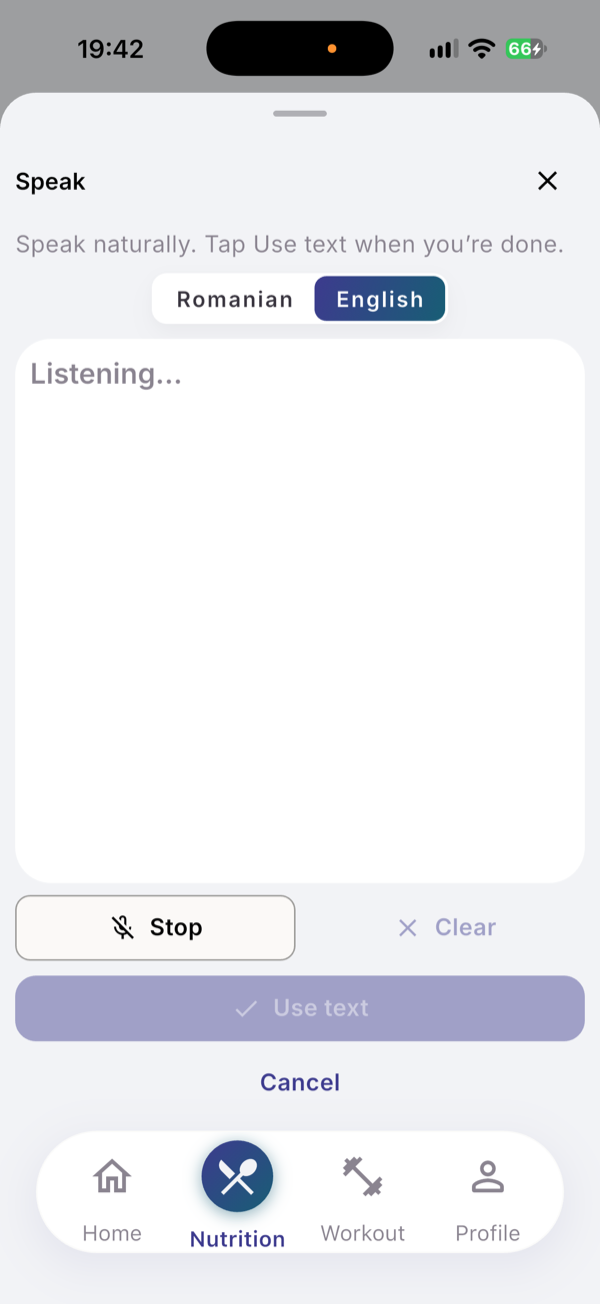
- Type the name, for example “Romanian deadlift”, or tap the microphone (Speak instead).
- Check the spoken text and tap Use text; the search starts on its own.
- Tap the exercise if it appears under the field as you type.
- Tap Identify exercise if it does not appear.
- Tap Yes, this is correct or No, find another under “Is this the exercise you meant?”.
What you see
The lookup order is your library, then the EvoLogs exercises catalog, then the AI. A catalog match is copied into your library. Matches under the field appear after 3 characters.
Type the exercise only. It is added with one empty set for your reps and weight; “3x8 80kg” is not turned into sets.
Confirm and search for another adds it and stays open. The Speak sheet listens in English or Romanian.
Limits
| Plan | New exercises identified by AI, per 30-day cycle |
|---|---|
| Free | 10 |
| Pro | 100 |
Your library and the catalog cost nothing and have no limit. In your first week the Free number is doubled.
If it does not work
- “Couldn’t find that exercise. Try a clearer description.” Add the equipment.
- “This exercise is already in your workout session”. Tap it in the session list instead.
- “I’ve been helping you a lot lately.” This cycle’s AI count is used; your library still works.
Related
- Why it works this way: /blog/log-a-workout-by-saying-it
- /help/start-a-session
- /help/routines