
Free counts each AI step per 30-day cycle, anchored to the day you created your account. When a limit runs out, you continue with Pro or wait for your next cycle. No counter is shown.
Steps
- Open Profile and tap Upgrade to Pro on the Subscription card.
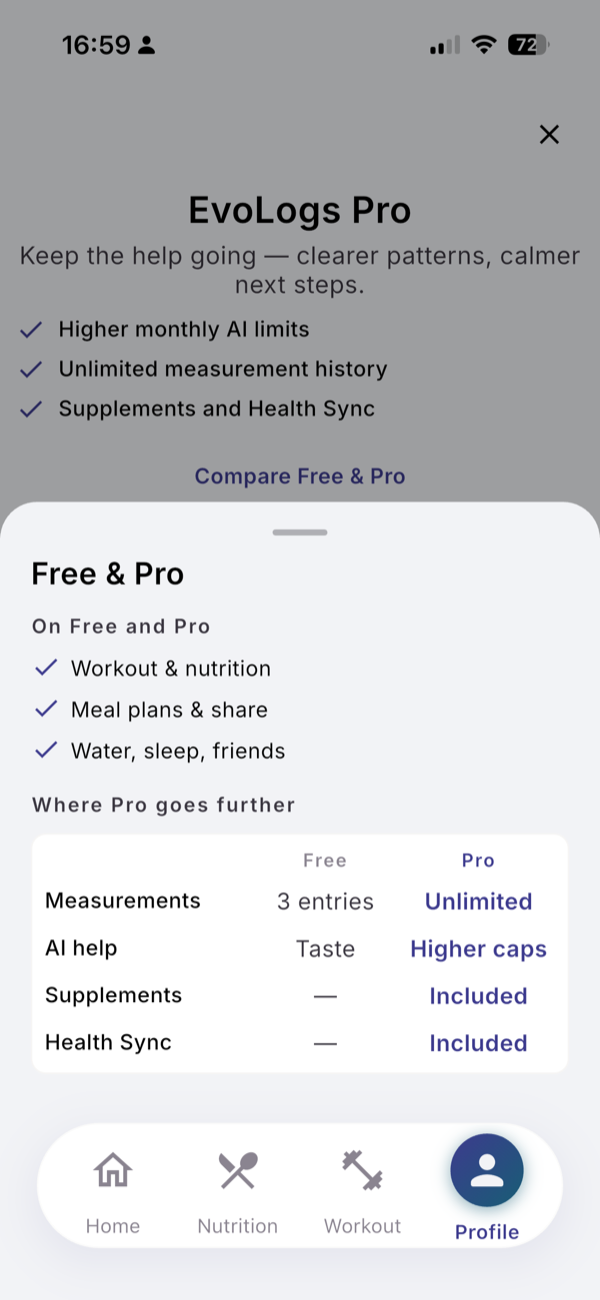
- Tap Compare Free & Pro to see both plans side by side.
- Pick Annual or Monthly and confirm in the store.
- On a new phone, tap Restore Purchases under Support.
- To cancel, tap Manage Subscription on the Subscription card, or use your phone’s subscription settings.
Limits
| Per 30-day cycle | Free | Pro |
|---|---|---|
| Meal described in text | 15 | 200 |
| Meal from a photo | 5 | 40 |
| New exercise identified | 10 | 100 |
| Activity in one line | 8 | 60 |
| Workout estimate | 8 | 40 |
| Day check | 3 | 60 |
| Questions to Evo | 5 | 300 |
| Measurement entries (in total) | 3 | Unlimited |
Pro is $9.99 a month or $99.99 a year. There is no free trial. A new account starts with the Early Access week: for 7 days the Free limits are doubled and Health Sync works. The first 30-day cycle starts on day 8.
What you see
- Limit reached. “I’ve been helping you a lot lately.” with Continue with Pro, Continue whenever you’re ready and the days left, such as “Resets in 12 days”.
- Pro Feature. Supplements and Health Sync open a screen with See Pro plans and Not now.
Everything you logged stays on both plans.
Related
- Why it works this way: /blog/free-vs-pro-in-a-normal-week
- /help/health-sync